This content is intended for general educational purposes only and does not constitute legal, financial, or medical advice. Laws, program eligibility requirements, and facility policies vary by state and individual circumstance and are subject to change. Always consult a qualified elder law attorney, financial advisor, or licensed professional before making decisions about your loved one’s care or finances.
At some point, every adult child managing a parent’s senior living finances has the same realization: this bill is going to come every single month for the foreseeable future. And every month, the process starts over. The statement arrives, you decode the charges, you track down the checkbook, you write the amount, you mail it, and then you spend the next week wondering if it actually posted correctly. For most families, this routine happens while holding down a full-time job, managing their own household, and fielding care updates from the facility in the middle of a Tuesday afternoon. It is not a system designed with the payor in mind. It is a holdover from an era when there was no alternative, and in a surprising number of senior living communities, it is still exactly how billing works in 2025.
According to a 2025 report from AARP and the National Alliance for Caregiving, there are now 63 million family caregivers in the United States, and nearly 90% of them contribute some form of financial support to their loved one’s care. That is a lot of people managing a significant recurring financial obligation with tools that belong in a different decade. The senior living industry has been notably slow to modernize its billing and payment infrastructure compared to virtually every other sector that collects monthly payments from consumers. The result is that families are often left navigating a $6,000-plus monthly bill using a process that has not materially changed since before smartphones existed.
If you are reading this because you want to set up automatic payments for your parent’s senior living bill and you are not sure where to start, the first question to answer is not how to configure a recurring draft. It is whether your parent’s facility has the infrastructure in place to support one. That answer determines everything that comes next.
First, Does Your Facility Have an Online Payment Portal?
Why Senior Living Bills Do Not Work Like Other Recurring Bills
Once a portal is in place, whether it was already there or you helped make the case for it, the next challenge is configuring automatic payments correctly for a bill that does not always behave like a standard recurring charge. This is where most families run into trouble, because they approach senior living autopay the way they approach a utility payment, and the bills are fundamentally different.
Senior living statements are hybrid documents that typically combine predictable monthly charges with variable ones that shift based on care needs, usage, and sometimes retroactive adjustments from the prior billing period. The base rent or room & board component is typically billed in advance and is usually consistent month to month. Care-level fees, dining charges, transportation, salon services, and resident spending account charges are billed in arrears, meaning they reflect what actually happened during the prior period. That means a single statement routinely contains both a forward-looking and a backward-looking component, and the total can look meaningfully different from one month to the next without anything unusual having occurred. Confused? We have written additional guides to help you understand how senior living statements are usually structured.
Care level fees are the most significant driver of unexpected variation. When your parent’s functional needs change, the facility reassesses the care tier and adjusts the monthly fee accordingly. One industry report from 2025 noted that some operators restructured their care tier systems, leading to increases of more than 13% for residents moving into higher acuity categories. If you have configured a fixed monthly auto-draft and a care reassessment occurs between billing cycles, your scheduled payment will come up short on the new total and the difference will begin accruing as a prior balance without any obvious notification that something changed. For a more detailed breakdown of how each component of a senior living statement works, our guide on how to read your senior living bill covers every line item category in plain language and is worth reading before you configure any recurring payment.
The practical conclusion is that autopay for senior living works correctly only when it is tied to the actual statement balance each billing cycle rather than a predetermined fixed amount. Statement-balance AutoPay means the draft equals whatever is on the current statement, so care level increases and variable charges are captured automatically. If the portal only supports fixed-amount recurring payments, you will need a monthly review step to keep the scheduled amount aligned with the actual balance. Neither approach is wrong. But only one handles a variable bill without requiring constant manual maintenance.
What’s Needed Before You Configure Recurring Payments
Even with a portal in place, there are a few things worth establishing before you turn on any kind of recurring payment. Skipping this groundwork creates problems that are harder to unwind than they were to prevent.
- Legal Access to Resident’s Accounts
If you are managing payments from your parent’s funds rather than your own, you need a financial power of attorney that gives you documented authority to do so. Without it, you are operating informally in a way that can create complications if a billing dispute arises or if the billing office questions the authorization behind a payment. If your parent is still able to grant POA and it is not yet in place, make this a near-term priority. - Fixed Vs. Variable Expense Breakdown
Before automating anything, go through at least two complete billing cycles and categorize each line item. Fixed charges are the same amount every month. Semi-variable charges are stable most months but change when care needs are formally reassessed. Fully variable charges shift based on actual usage during the billing period. Fixed and semi-variable components are reasonable candidates for a scheduled recurring payment. Fully variable charges are better handled through a monthly review-and-approve process, or through statement-balance autopay that captures the actual billed total rather than a predicted one. - Confirmed Electronic Statement Delivery
Before you configure a recurring payment, confirm that you are receiving statements by email at the start of each billing cycle rather than waiting for a paper copy to arrive. If you are relying on a mailed statement to know what the draft is going to be, you are already operating with a lag. Electronic delivery gives you visibility, lead time, and a searchable record that a paper statement does not provide. Confirm the delivery is working consistently over two cycles before treating it as reliable. - Direct Billing Office Contact. Make sure you have an individual email address at the billing office, not just a general phone number. When a charge appears on the statement that you do not recognize, written communication creates a record that a phone call does not. Establishing that contact before you need it for a dispute is significantly better than trying to find the right person in the middle of one.
Pitfalls to Consider for Other Payor Portals
Not all payor portals are built the same way, and the differences are not cosmetic. If your parent’s facility uses a payment platform that is not natively integrated with their billing and care management system, you are likely to run into problems that have nothing to do with your own financial management and everything to do with how the platform was built. Here is what those problems look like in practice, and why they do not exist when the facility uses TransactCare.
- Care Level Increases Different From Your AutoPay Draft
On most standalone payment platforms, autopay is configured as a fixed monthly amount that you set at enrollment. When a care level reassessment increases the monthly total, the fixed draft comes up short. The difference accrues as a prior balance, compounds with the next month’s charges, and the facility may or may not proactively notify you that the payment was insufficient. Families who set up autopay and stop reviewing statements routinely discover a balance they did not know was building. With TransactCare, this problem does not exist. Autopay drafts are tied to the actual statement balance each billing cycle, not a fixed amount you defined at setup. When the care level changes, the draft reflects it automatically. You are never paying last month’s total against this month’s bill. - Credits That Cause You to Overpay
On a fixed-amount autopay platform, if the facility applies a billing correction, a refund, or a credit from a previous period, the next statement balance will be lower than your scheduled draft amount. The platform drafts the fixed amount anyway, leaving a credit on the account that requires follow-up to reconcile. Again, because TransactCare autopay is driven by the statement balance rather than a fixed number you set, credits reduce the draft automatically. The amount that leaves your account is the amount you actually owe, nothing more. - Autopay Dates Set Outside the Billing Cycle
Some payment platforms allow payors to configure an autopay date without any guardrails around whether that date makes sense within the facility’s billing cycle. A draft scheduled for the 3rd of the month at a facility that closes its billing period on the 1st is going to create timing problems that are not your fault but still yours to clean up. TransactCare does not allow payors to set autopay dates outside of the active billing cycle. The system keeps the draft timing aligned with the billing calendar, which eliminates an entire category of good-faith late payments caused by platform design rather than payor negligence. - Outdated Payment Information After Account Changes
This one applies universally, including on TransactCare, and it is worth flagging clearly because it is the most common cause of a failed draft that has nothing to do with the platform. If you update your bank account, switch institutions, or your card number changes and you do not update the portal, the next scheduled draft will fail. Some portals send failure notifications; some do not. Any time your banking information changes, log into the portal immediately, update the saved payment method, and confirm the change was accepted before the next scheduled draft date. This is a two-minute task that prevents a billing problem that can take considerably longer to resolve.
What If Your Facility Doesn’t Have a Payment Portal?
Before you can set up any kind of automatic or recurring payment, someone needs to be able to receive one electronically. This sounds obvious. It is not universally true. A meaningful percentage of senior living communities across the country, particularly smaller or independently operated communities, are still running their billing operations on paper statements, manual check processing, and phone-based confirmation. They are not set up to receive ACH transfers initiated by a family portal. They are not set up to offer you a login. They are collecting checks.
The fastest way to find out where your parent’s facility stands is to call the business office and ask two direct questions: Does the facility offer online payment access for families? And is there a payor portal where I can view statements and make payments electronically? The answers you get will fall into one of three categories.
- Yes: Facility staff can likely set you up with access quickly.
- Not Yet: But it is something they are working toward or have considered.
- The Third Option: A version of no that suggests the facility has not seriously engaged with the question.
Each answer leads to a different next step.
If the answer is yes, you are in good shape. Skip to the later sections of this guide on how to think about autopay configuration for a variable monthly bill. If the answer is anything other than a clear yes, keep reading, because the most useful thing you can do for your own billing experience and for your parent’s community is to bring a solution to that conversation.
What You Are Missing Without a Payment Portal
If your parent’s facility is not offering online payment access, you are probably already feeling the operational gap even if you have not framed it in those terms. Here is what the absence of a payment portal actually costs a family managing a senior living bill.
- No Accurate Statement Visibility
Without a portal, the only way to know what is on this month’s statement is to wait for a paper copy to arrive or call the billing office during business hours. For families managing payments from another state, or simply for anyone who does not want to call to confirm a number before writing a check, this is a genuine problem. Billing errors and unexpected charges go unnoticed until the statement physically arrives, by which point the due date may already be close. - No Instant Payment Confirmation
When you mail a check, the only way to confirm it was received, processed, and applied correctly is to call the billing office and ask. Billing offices are not always staffed for that kind of outbound confirmation. The check clears your bank account and disappears from your visibility until the next statement shows a credit with no detail in between. Compare this to an electronic payment that generates a confirmation in real time and appears in your transaction history immediately. The difference in confidence and operational clarity is significant. - No Accessible Payment History
Without a portal, your only record of payment history is your own bank statements and whatever receipts you have organized over time. If a billing dispute arises about whether a payment was made three months ago, your documentation is only as good as your personal record-keeping. A payment portal with a logged transaction history changes that entirely. - No Ability to Set Up Recurring Payments.
If there is no portal, there is no mechanism for statement-linked autopay. Your options are limited to mailing a check each month or using your bank’s bill pay system to schedule a transfer, which has none of the statement-visibility features that make autopay safe for a variable bill. - Significant Time Spent
A 2025 AARP report found that the average family caregiver spends around $7,200 per year out of pocket on caregiving expenses, but the time cost is equally significant. Hours spent writing checks, tracking clearances, calling billing offices, and chasing confirmation on whether last month’s payment was correctly applied is time that comes from somewhere else in a caregiver’s already constrained schedule. A payment portal does not eliminate the need to pay the bill. It eliminates the operational overhead around paying it.
Do Senior Living Payment Portals Exist?
The technology gap between what senior living families need and what most facilities currently offer is not a secret within the industry. The question is what closes it. For communities that use PointClickCare as their electronic health record and care management platform, there is an integration that already exists: TransactCare.
TransactCare is a healthcare payment platform built as an integration exclusively for PointClickCare. Since TransactCare operates within the same system that manages clinical documentation, care plans, and resident records, the statement it generates is tied directly to the data driving your parent’s care. When a care level changes, the billing reflects it automatically from the same source. There is no reconciliation gap between what the care team documented and what the billing office invoiced. They are the same system. For families who have ever received a statement that did not match what they understood about their parent’s current care plan, that kind of source-level accuracy is not a small thing.
When you are paying, TransactCare provides a dedicated portal where you can view your parent’s current statement, review charges in detail, make payments electronically, and access a complete history of every transaction. Payments can be made by ACH or card, and next-day funding ensures facilities receive payment quickly, which keeps everyone’s records aligned. You do not have to call to confirm a payment is posted. You do not have to wait for a paper statement to know what you owe. You log in, review the statement, and pay it from wherever you happen to be. The platform is HIPAA compliant and PCI Level 1 certified, which is the highest available standard for payment data security in healthcare settings.
Request Your Facility To Sign-Up
If you got to this point in the guide and your parent’s facility still does not offer online payment access, do not let that be a passive frustration. You now have enough context to do something about it, and the ask is simpler than you might think.
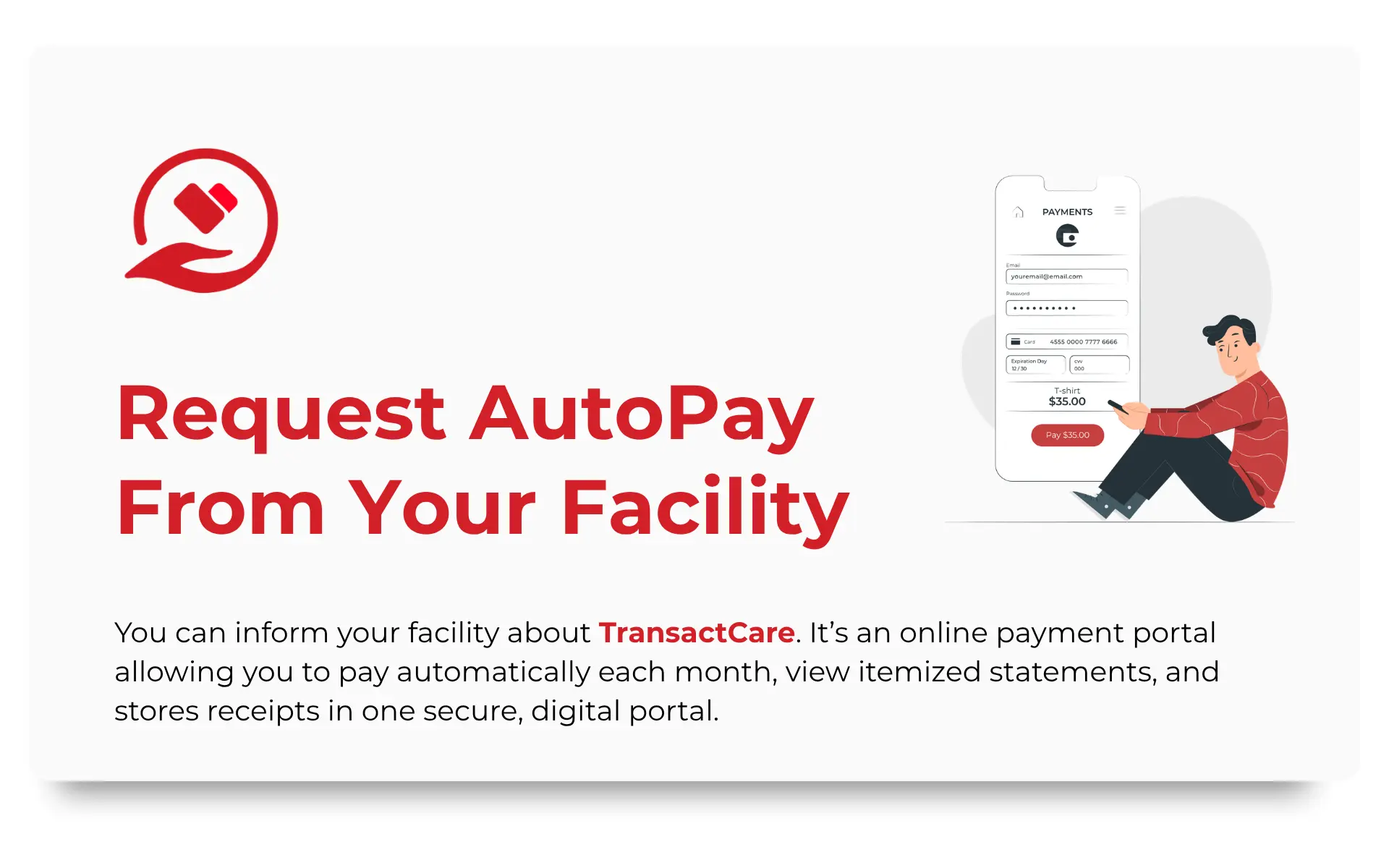
The next time you speak with a team member at parent’s community, mention that you have been researching payment options for senior living families and came across TransactCare. Tell them it is a healthcare payment platform built directly into PointClickCare that gives families online statement access, digital payment options, and a complete transaction history, and that you would genuinely appreciate having that access for your parent’s account. You are not asking them to evaluate a new vendor from scratch. If they are already on PointClickCare, TransactCare is a native integration, not a new system.
Frequently Asked Questions
What if the Facility Has Never Heard of Transactcare?
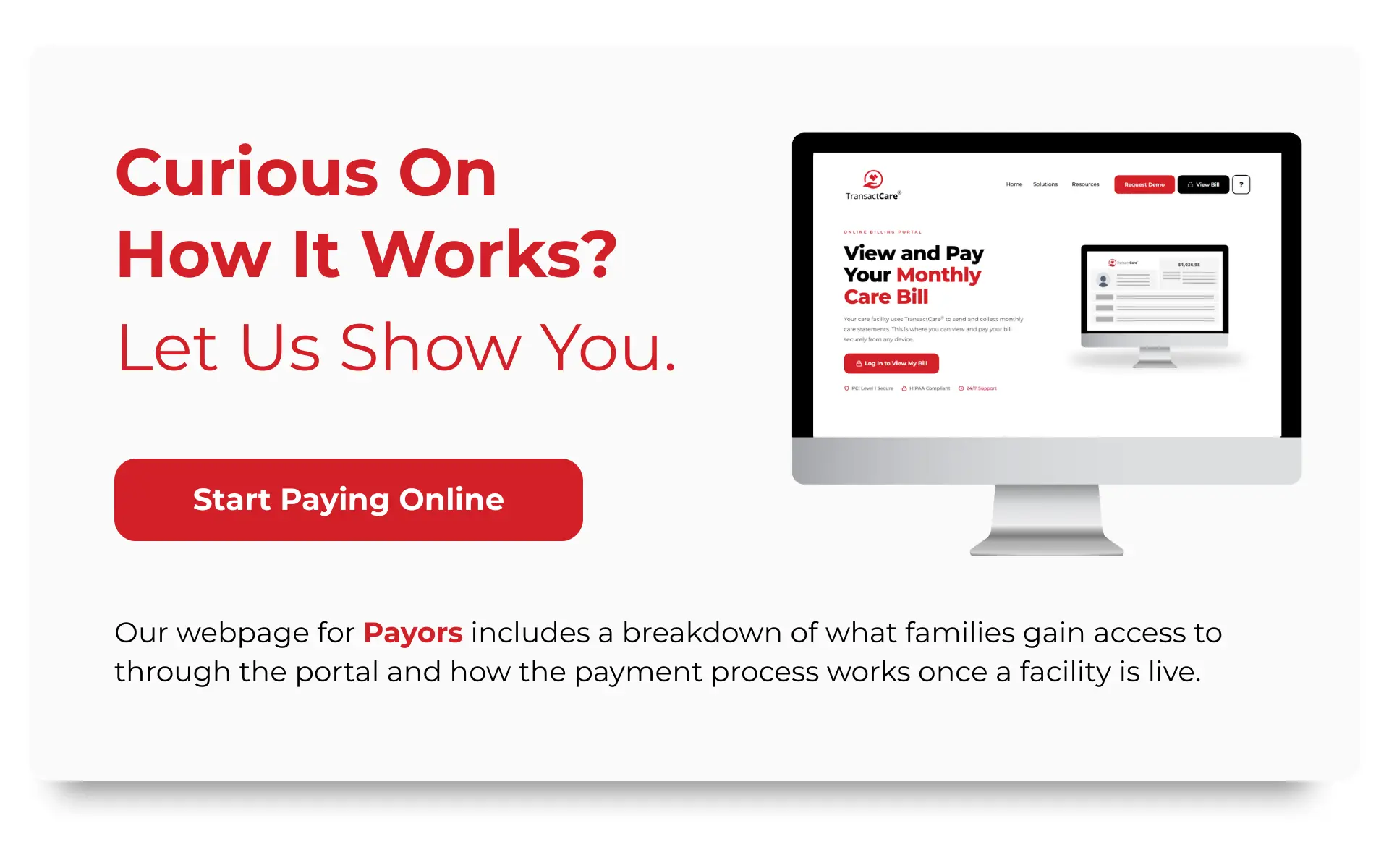
Ask whether they use PointClickCare for clinical and resident management. If they do, TransactCare integrates natively into that platform and the conversation is a straightforward one. Point the Business Office Manager to our webpage for Facilities for an overview of how the platform works from the community side, andour webpage for Payors for the family-facing experience.
Can I Set Up Autopay From My Parent’s Accounts if I Have POA?
Yes. A financial power of attorney gives you the authority to manage and pay bills from your parent’s accounts. Make sure the facility has a current copy of the POA on file and that their billing system reflects your status as the authorized payor contact.
What if My Parent’s Bill Changes Month to Month?
It likely will. Statement-balance autopay captures the actual billed amount each cycle, which handles care level changes and variable charges automatically. If only fixed-amount autopay is available, set the recurring amount slightly below the typical total and pay the remaining balance manually after reviewing the statement.
Are There Fees for Electronic Payments Through a Portal?
It depends on the payment method you choose. ACH transfers are typically low or no cost to the payor. Credit card payments may carry a processing fee that can be the family’s responsibility. Ask the billing office about fees for each method before enrolling in a recurring payment option.
How Do I Know the Portal Is Secure?
Confirm that the facility’s payment platform is PCI compliant before entering any payment or banking information. TransactCare is PCI Level 1 certified, the highest available compliance tier. Do not enter payment information into any billing system that cannot confirm PCI compliance when asked.
What Happens if a Recurring Payment Fails?
The balance remains unpaid and the facility may apply a late fee depending on their policy. Contact the billing office as soon as you are aware of a failed payment and identify whether the issue was insufficient funds, an expired card, or outdated account information before the next scheduled draft.
What if the Facility Refuses to Set Up Electronic Payment Access?
Your bank’s bill pay system may have the ability to schedule electronic transfers to the facility as a payee, removing the check-writing and mailing steps from your end. The limitation is that bank bill pay has no visibility into the actual statement balance, so you will need to confirm the current amount each month before the payment processes.
TransactCare is a healthcare payment platform built as one of the first integrations with PointClickCare, designed to simplify billing and payments for senior living facilities and the families they serve. To learn more about how TransactCare works for payors, visit transactcare.com/payors or explore the FAQ page for answers to common billing questions.