
View and Pay
Your Monthly
Care Bill
Your care facility uses TransactCare® to send and collect monthly care statements. This is where you can view and pay your bill securely from any device.
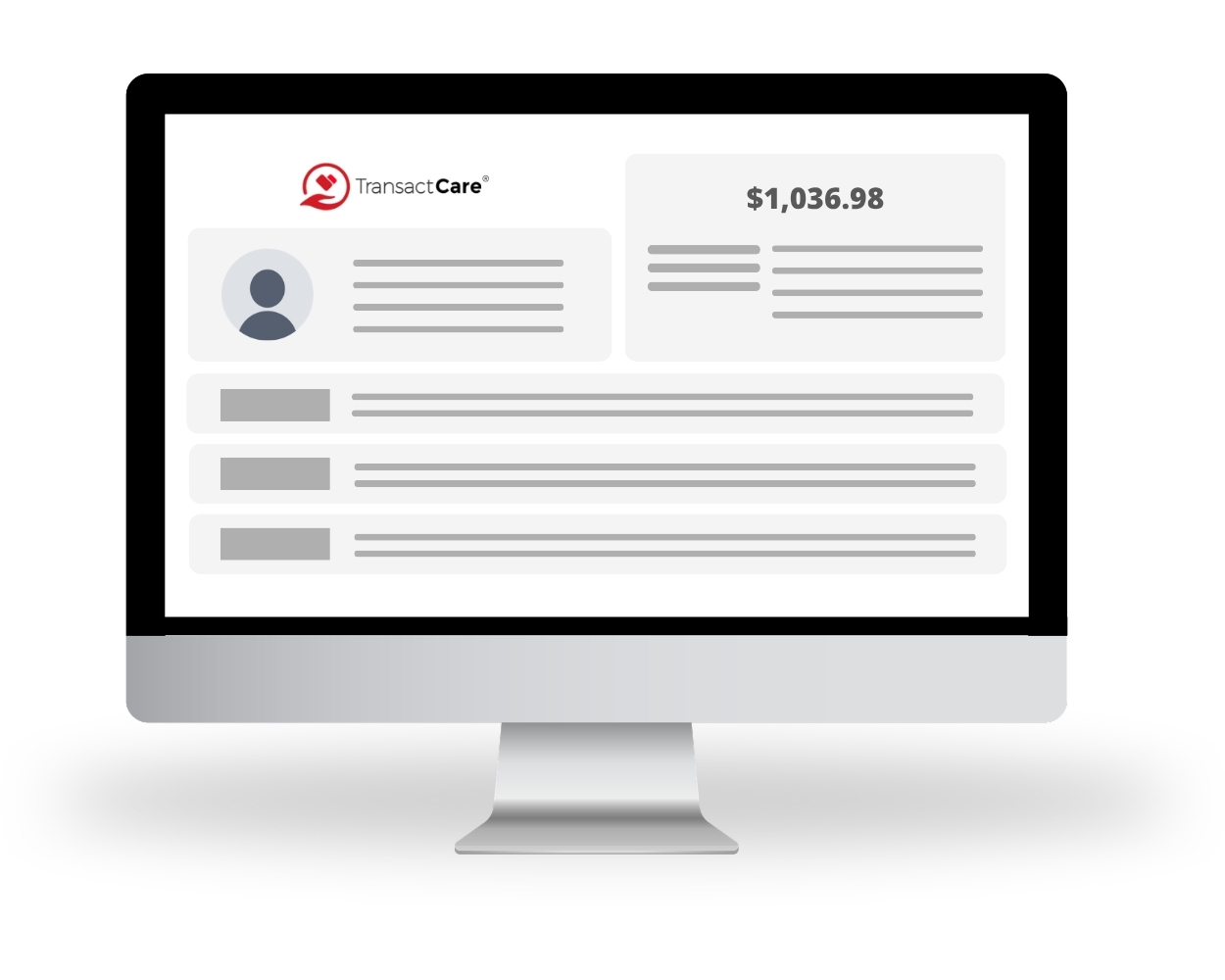
Have You Used TransactCare Before?
Log in with your email and password. Your latest statement will be waiting for you.
You'll need to create a free account before you can log in. It only takes about 2 minutes and you'll only need to do it once.
How Does TransactCare Work?
Getting started is simple. Follow these four easy steps and you will be managing your care expenses online in no time.
Create Your Account
Visit our registration page, search for your facility, and enter your information to locate your account This only needs to be done once.
Get an Email Each Month
Once your statement is ready, you will receive an email notification. No more waiting to see if a paper bill arrived in the mail.
Log In and View Your Statement
Click the link in your email or go to our login page to view your full itemized statement anytime.
Pay Your Way
Pay with a credit card or eCheck. You can pay once each month, or set up autopay so it happens automatically. Your choice.
Pay the Way That Works for You
We offer easy and secure ways to pay. All methods are safe, fast, and
confirmed instantly. Funds are settled the next banking day.
Credit or Debit Card
Pay with any major credit or debit card. Visa, Mastercard, Discover, and American Express are all accepted.
eCheck (Bank Account)
Connect your checking or savings account directly. eCheck payments are secure and free of credit card fees.
AutoPay
Set it once and never think about it again. Autopay charges your preferred payment method automatically each month when your bill is ready.
AutoPay Means Never Missing A Bill Payment
Life gets busy. With AutoPay, your care payment is handled automatically every month. No reminders needed, no chance of missing a due date.
- Select the date that your payment method is charged each month.
- Works with any saved credit card, debit card, or eCheck on your account.
- You still receive your monthly email notification so you always know what was charged.
- Cancel or change your autopay settings any time from your account.
- A receipt is emailed to you after every automatic payment.
Your Information
Is Always Protected.
We take the safety of your payment information very seriously.
TransactCare uses the same security technology that major banks and hospitals use to protect your data. Your personal or payment information will never be shared with anyone outside of your care facility.
Questions? We Have Answers.
Our friendly US-based support team is available around the clock. Whether you have a billing question, need help logging in, or want to understand a charge on your statement, we are just a click away.
Contact Support
Have a question about your bill or need help with your account? Submit a support request and a member of our team will get back to you quickly.
Contact Our Support TeamVisit Our FAQ Page
Browse our frequently asked questions for instant answers about payments, accounts, statements, and more.
Browse FAQsCommon Questions
PointClickCare® Summit Spotlights
TransactCare is proud to be one of the first trusted integrations with PointClickCare. See us in action at their annual Summit.
Your Statement Is
Waiting for You.
Log in to view your bill, make a payment, or set up AutoPay.
If you need any help at all, our team is available 24 hours a day, 7 days a week.
Need help? Contact our support team or browse our FAQs.
Are you a facility administrator? TransactCare automates private pay billing inside PointClickCare®. Typical onboarding is completed in one week.
Request a facility demo →