

This content is intended for general educational purposes only and does not constitute legal, financial, or medical advice. Laws, program eligibility requirements, and facility policies vary by state and individual circumstance and are subject to change. Always consult a qualified elder law attorney, financial advisor, or licensed professional before making decisions about your loved one’s care or finances.
It is the third business day of the month. The statements went out last week, or at least most of them did, because two came back with old addresses and one family swears they never got theirs. The mail has arrived with a stack of checks. Some have remittance stubs. Some have a resident’s name scribbled in the memo line. One is from a son in Ohio who paid last month’s balance instead of this month’s, and another is from a daughter who split the bill with her brother without telling anyone. Your job, between admissions paperwork and the family on line two, is to open every envelope, figure out which account each payment belongs to, key it into PointClickCare by hand, walk the deposit to the bank, and reconcile the whole thing before anyone asks about accounts receivable aging.
If that sounds familiar, you are in very good company. For thousands of senior living and skilled nursing communities, PointClickCare, a leading healthcare technology platform enabling meaningful collaboration across the care continuum, is the system of record. It holds the census, the care plans, the level of care, and the resident ledger. Yet in a lot of those communities, the moment a family actually pays the bill, the process leaves PointClickCare entirely and goes back to paper, phone calls, and manual data entry.
That gap is the subject of this guide. If you have ever typed “how do I accept online payments in PointClickCare” into a search bar, the short answer is that you can, through a third-party payment application that integrates with PointClickCare. The longer answer, which is what the rest of this article covers, is that how the integration works matters enormously. Some setups just give families a way to pay online and leave your business office doing the same reconciliation work it does today. Others close the loop entirely, so statements, payments, and cash posting all happen inside the system you already use.
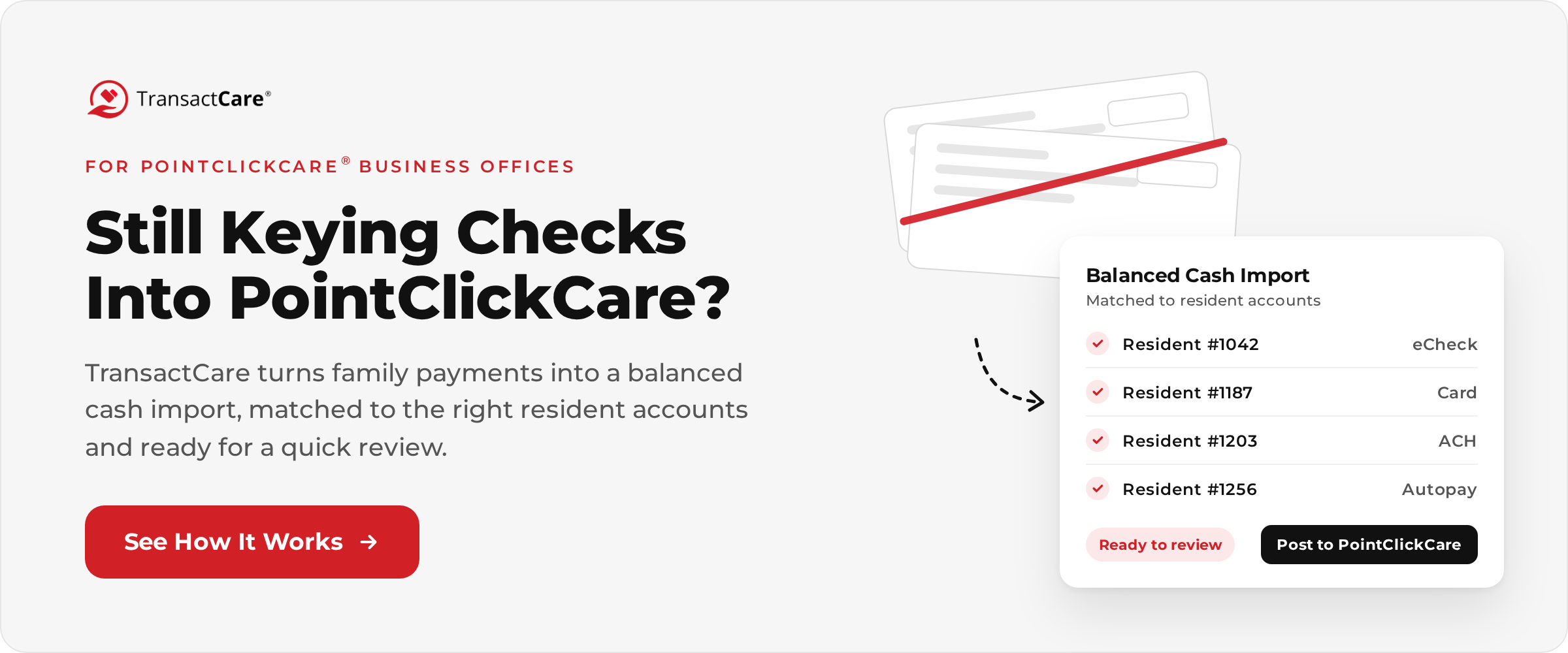
This guide covers what the disconnected process actually costs, what “integrated” should really mean, what to look for in an integrated payment application, how TransactCare handles it, and how to get families to use it once you turn it on.
Can You Accept Payments Directly in PointClickCare?
PointClickCare is the engine that generates your private pay statements and maintains each resident’s account ledger. Collecting the payment itself (processing a card, debiting a bank account, and depositing payments in your operating account) is handled by third-party applications that integrate with PointClickCare. Many of those applications are available in PointClickCare Marketplace, where communities can find third-party applications that interface with PointClickCare instead of bolting on a disconnected system.
So the practical question is not “can PointClickCare take payments?” It is “which payment application should we connect, and how deeply does it integrate?” That distinction is where a lot of communities get tripped up. Plenty of tools can put a “Pay Now” button in front of a family. Far fewer can take the statement PointClickCare already generated, present it to the right family member, collect the money, and hand your team a balanced batch ready to post back to the correct resident ledgers with a quick review instead of hours of keying.
TransactCare was built for exactly that job. It is designed exclusively for senior living facilities that run on PointClickCare, and it was one of the first third-party payment applications to integrate with PointClickCare. It isn’t a general-purpose payment processor adapted to fit senior living. Before getting into how it works, though, it is worth being specific about what the alternative looks like, because many business offices have lived with it long enough that it starts to feel normal.
What Does Collecting Payments Outside PointClickCare Actually Look Like?
When payments happen outside your EHR, the work does not disappear. It just moves to your business office, where it gets done by hand. Here is the typical month for a community collecting private pay without an integrated payment platform.
- Statements leave the system. PointClickCare generates the statements, and then someone prints them, folds them, stuffs envelopes, buys postage, and mails them, or exports PDFs and emails them one at a time. Either way, the statement now lives outside the system, and any question about it requires someone to go back and look it up.
- Payments arrive in every format imaginable. Checks by mail. Checks dropped at the front desk. A card number read over the phone to whoever happened to answer. Bill pay checks from a family’s bank that show up with no remittance information at all. Every payment arrives on its own schedule, in its own format, with its own level of helpful detail.
- Someone matches every payment to an account. Before a payment can be posted, someone has to figure out whose it is. That is easy when the check includes a stub and an account number. It is detective work when the check is from a grandson with a different last name and a memo line that says “Mom.”
- Cash posting happens manually. Each payment gets keyed into PointClickCare by hand. On a 100-bed community that might be a hundred or more manual entries a month, each one an opportunity for a transposed number or a payment applied to the wrong resident.
- The deposit has to physically happen. Somebody scans checks or walks them to the bank. Until that happens, the money is sitting in a drawer, and your cash flow is waiting on someone’s schedule.
- Reconciliation closes the loop, eventually. The bank deposit, the payment log, and the PointClickCare ledger all have to agree. When they do not, someone spends an afternoon finding out why.
- And then the phones ring. “Did you get my check?” “Why is my balance different from what I paid?” “Can I pay with a card?” Every one of those calls lands on the same team that is supposed to be doing everything above.
None of these steps is difficult on its own. The problem is the stack. Each one is small, manual, and repeated every month for every private pay resident, and together they eat a significant share of your business office’s time. That time is getting harder to replace. According to NIC data reported by Senior Housing News, labor accounts for roughly 60 percent of total expenses for senior living and skilled nursing operators. Hours spent hand-posting checks are some of the most expensive hours in the building.
What Are the Hidden Costs of a Disconnected Payment Process?
Most communities underestimate what paper and phone payments actually cost because the costs are spread across postage, bank fees, staff time, errors, and delayed cash. Taken one at a time, they look trivial. Added together, they are not. We dug into this in more depth in our post on the hidden costs of manual payment processing in senior living facilities, but here are the big ones:
Checks Cost More To Receive Than Most People Assume
According to the AFP 2022 Payments Cost Benchmarking Survey, as summarized by Nacha, the median cost for a business to receive a paper check runs between $1.01 and $2.00, while the median cost of an ACH transaction is between 26 and 50 cents. Those figures cover processing costs, not the staff time spent matching and posting each payment. A check-heavy community is paying a premium for the least efficient payment method available.
Checks Are the Most Targeted Payment Method for Fraud
The 2026 AFP Payments Fraud and Control Survey found that 76 percent of U.S. organizations experienced attempted or actual payments fraud in 2025, and paper checks were the most frequently targeted method, cited by 58 percent of respondents. A stack of checks sitting in a business office drawer, with account and routing numbers printed on every one, is not a great look from a risk perspective.
Card Payments by Phone Create Compliance Exposure
When a family member reads a card number over the phone and someone writes it on a sticky note to process later, that card data is now in your office, in your handwriting, and in your compliance scope. Card data handled by people instead of a PCI-validated, tokenized system is exactly the kind of thing the Payment Card Industry Data Security Standard was written to prevent. Our guide on HIPAA and PCI compliance in senior living payment processing covers this risk in detail.
Manual Posting Creates Errors That Cost More Than the Posting
A payment applied to the wrong resident creates two problems: one account looks delinquent when it is not, and another looks current when it is not. Both usually surface as an uncomfortable phone call with a family member who is already frustrated. Every manual entry is a small chance of this happening, and over a year of statements, small chances add up to a predictable number of mistakes.
Delayed Cash Is a Real Cost
When statements take days to print and mail, and payments take days to arrive and clear, your cash collection cycle stretches. That shows up in AR aging, in late payment follow-ups, and in the operating cash you do not have yet. Electronic statements and electronic payments shrink every step of that cycle. In one example TransactCare documented with Oaks Senior Living, moving to electronic delivery meant statements reached families five days faster.
Families Notice
Families now pay almost every other recurring bill online. When their parent’s senior living community, often their single largest monthly bill, is the one that still requires a checkbook and a stamp, it shapes how they perceive the community. A clunky billing process does not usually cause a move-out, but it does generate frustration, extra calls, and the kind of friction that makes every other conversation harder. Our post on billing communication with senior residents and families covers how billing experience affects family trust.
What Is the Difference Between “Integrated” and “Connected” Payments?
This is the most important section in this guide, because it is where a lot of communities buy the wrong thing. Not every payment tool that “works with PointClickCare” works the same way. Broadly, there are three levels of connection, and the difference between them is the difference between saving your business office a few minutes and saving it most of the month.
Standalone Payment Gateway | Export/Import Connection | Native Integration | |
Where Statements Come From | Created separately or emailed as PDFs | Exported from PointClickCare, uploaded to the payment tool | Generated in PointClickCare and delivered automatically |
How Families Pay | Online form or payment link | Online portal | Online portal tied to their actual statement |
How Payments Get Posted | Manually keyed into PointClickCare | Exported from the payment tool, imported in batches by staff | Posted back to PointClickCare as a balanced batch your team reviews and posts, or posts automatically |
Staff Login | Separate system and credentials | Separate system and credentials | PointClickCare credentials |
Reconciliation Work | High | Moderate | Minimal |
Risk of Mismatched Balances | High | Moderate | Low |
- A Standalone Gateway: solves one problem, which is giving families a way to pay by card or bank account. It does nothing about the rest. Your team still sends statements separately, still matches every payment to an account, and still keys every payment into PointClickCare by hand. The only real difference from checks is that you stop walking deposits to the bank.
- An Export/Import Connection is better. Statements and payments move between systems in batches, but someone on your team is still running the exports, uploading files, and fixing whatever does not match. The work shrinks, but it does not disappear, and the two systems can drift out of sync between batches.
- A Native Integration treats PointClickCare as the source of truth from start to finish. The statement the family sees is the statement PointClickCare generated. The payment the family makes comes back to PointClickCare as a balanced batch matched to the right ledgers, ready for your team to review and post. Your team will never manage a second version of anyone’s balance.
When you evaluate options, ask each vendor specifically where on this spectrum they fall. “We integrate with PointClickCare” can mean any of these three.
What Should You Look For in a PointClickCare Payment Integration?
If you are evaluating payment options for your community, this checklist covers what actually matters once the platform is live. It is the list we would want a business office manager to bring to every vendor conversation, ours included.
- Statements Generated Inside PointClickCare: Your billing process should not change. The statement families see should come directly from PointClickCare, so there is one version of every balance.
- Cash Posting Back to PointClickCare Without Re-Keying: This is the single biggest time saver and the clearest sign of a real integration. Ask the vendor to show you exactly how a payment ends up on the resident ledger, whether your team can review the batch before it posts, and whether posting can be automated if you prefer.
- A Balanced Daily Cash Import: Payments should arrive in PointClickCare in a reconciled batch that matches your deposit, not as a pile of individual entries someone has to match together.
- No Separate System for Your Staff: If your team has to learn a new platform and remember another password, adoption suffers. Look for authentication through your existing PointClickCare credentials.
- Card and ACH Options for Families: Families should be able to pay by credit card, debit card, or bank account.
- AutoPay Tied to the Actual Statement Balance: Senior living bills change when care levels change. Autopay that charges a fixed amount creates short payments and confused families. AutoPay that charges the real statement balance does not.
- Fast Deposits: Ask how long it takes for collected payments to reach your operating account.
- Validated Security Credentials: Look for a Validated PCI DSS Level 1 Service Provider, which is the highest level of PCI validation, plus HIPAA-aligned controls.
- Support for Families, Not Just for You: When a family member has a question on how they can pay at 9 PM on a Sunday, who answers? If the answer is “your business office on Monday,” your workload has not actually gone down.
- Quick Onboarding With No IT Project: Some payment implementations take months and require IT resources most communities do not have. Ask for a realistic timeline and what is required from your team.
- Visibility Into Adoption and AR: You should be able to see what has been paid, what is pending, what is overdue, and how many families are actually using the portal.
- Transparent Pricing: Ask about implementation fees, transaction fees, and who pays card processing costs. A low headline price can hide a lot.
How Does TransactCare Work With PointClickCare?
TransactCare was built specifically to be the native integration described above, for communities that run on PointClickCare and bill private pay residents. Here is how the process works, from the TransactCare facilities page.
- Step 1: Generate statements in PointClickCare. Statements are generated directly inside PointClickCare as part of your existing workflow. Nothing changes on your end. Your team runs billing exactly the way it does today.
- Step 2: Payors are notified. Statements are automatically sent to account guarantors, prompting them to log in to their secure online portal to review the full itemized statement and pay.
- Step 3: Payments are received. Payors pay by credit card, debit card, ACH, or eCheck inside the secure portal. They can pay once a month or set up recurring automatic payments that draft the statement balance each time a new bill is ready. Every payment is reflected in TransactCare immediately, and payments are batched daily at 6:00 PM ET.
- Step 4: A balanced cash import is ready for PointClickCare. The following day, a balanced cash import is delivered back to PointClickCare, already matched to the correct resident accounts. Most business office managers review the batch before it posts, which takes minutes rather than hours, and communities that prefer a hands-off process can set it to post automatically. Credit card and debit cards fund the next banking day, and ACH and eCheck typically fund in two to three business days. Nobody on your team keys in payments, and reconciliation is done before your morning coffee.
A few other details matter to a business office in practice:
- Dashboards show paid, pending, and overdue balances, along with resident adoption rates, synced with PointClickCare.
- 24/7 support from US-based billing specialists handles family payment questions on your behalf, with staff in every continental US time zone. The family who wants to know why their card was declined at 9 PM does not end up in your voicemail.
- Security is handled at the platform level. TransactCare is a Validated PCI DSS Level 1 Service Provider, the highest level of PCI validation, and maintains HIPAA-aligned controls.
- There is no implementation fee and no IT project. Onboarding is typically completed within about one week for a single facility.
That last point tends to surprise people. Most business office managers have lived through at least one software implementation that took months, required IT involvement, and still did not work quite right at the end. Because TransactCare works inside the system you already use, there is not much to implement on your side.
What Results Can a Facility Expect From Integrated Payments?
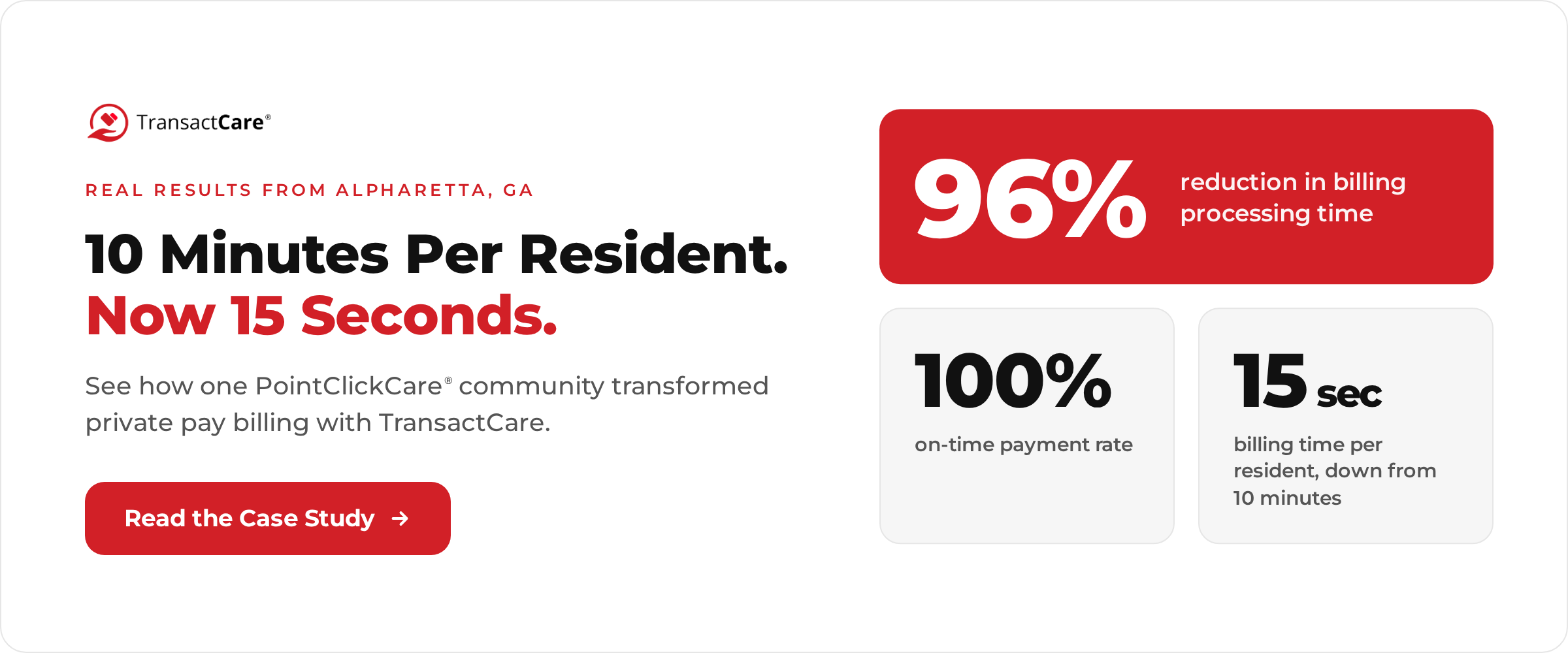
The best evidence is what happened at communities that made the switch. TransactCare’s published case study of a senior living facility in Alpharetta, Georgia, reported:
- A 96 percent reduction in billing processing time
- Per-resident billing time reduced from 10 minutes to 15 seconds
- A 100 percent on-time payment rate
To put the time savings in perspective, run the math on your own community. At 10 minutes per resident, a 100-resident community spends about 1,000 minutes, or roughly 16.7 hours, on billing every month. At 15 seconds per resident, that drops to 25 minutes. That works out to roughly 16 hours a month, or nearly 200 hours a year, handed back to a business office that almost certainly has better things to do. Scale that across a multi-community operator and the numbers get large quickly.
Results will vary by community, by the mix of private pay residents, and by how quickly families adopt the portal. But the direction is consistent: when payments, statements, and cash posting all live in the same system, the manual work in between mostly goes away. You can read the full TransactCare case study for more detail, and our post on automated billing with TransactCare and PointClickCare covers additional examples from Oaks Senior Living and Presbyterian Communities of South Carolina.
How Long Does It Take to Set Up Online Payments in PointClickCare?
With TransactCare, onboarding is typically completed in about one week. There is no IT project, no custom development, and no implementation fee, and your team can move at whatever pace works for your community. That timeline is possible for a structural reason. Because statements are already being generated in PointClickCare, there is no need to rebuild your billing setup, migrate data into a new system, or train staff on a separate platform. The integration plugs into the workflow you already run.
The real variable in any rollout is not the technology. It is the families. A portal that nobody logs into does not save anyone any time. That brings us to the part most vendors skip.
How Do You Get Families to Actually Pay Online?
Turning on online payments is the easy part. Getting a family member who has paid by check every month for three years to switch takes a little intention. Here is what works.
- Announce it like it matters. Send a clear letter or email explaining that families can now view statements and pay online, what payment methods are accepted, and how to register. Lead with what is in it for them: no more stamps, instant payment confirmation, and access to statements from anywhere.
- Make registration part of move-in. New residents are the easiest to convert because they have no habit to break. Add portal registration to your admission checklist. With TransactCare, payors can register in about two minutes by searching for the facility and entering their account information.
- Lead with AutoPay. AutoPay is the biggest driver of on-time payments, and many families welcome it once they understand it charges the actual statement balance, not a fixed amount that could leave them short after a care level change. If you want something to send families who have questions, our resident guide on how to set up automatic payments for a parent’s senior living bill explains it from their perspective.
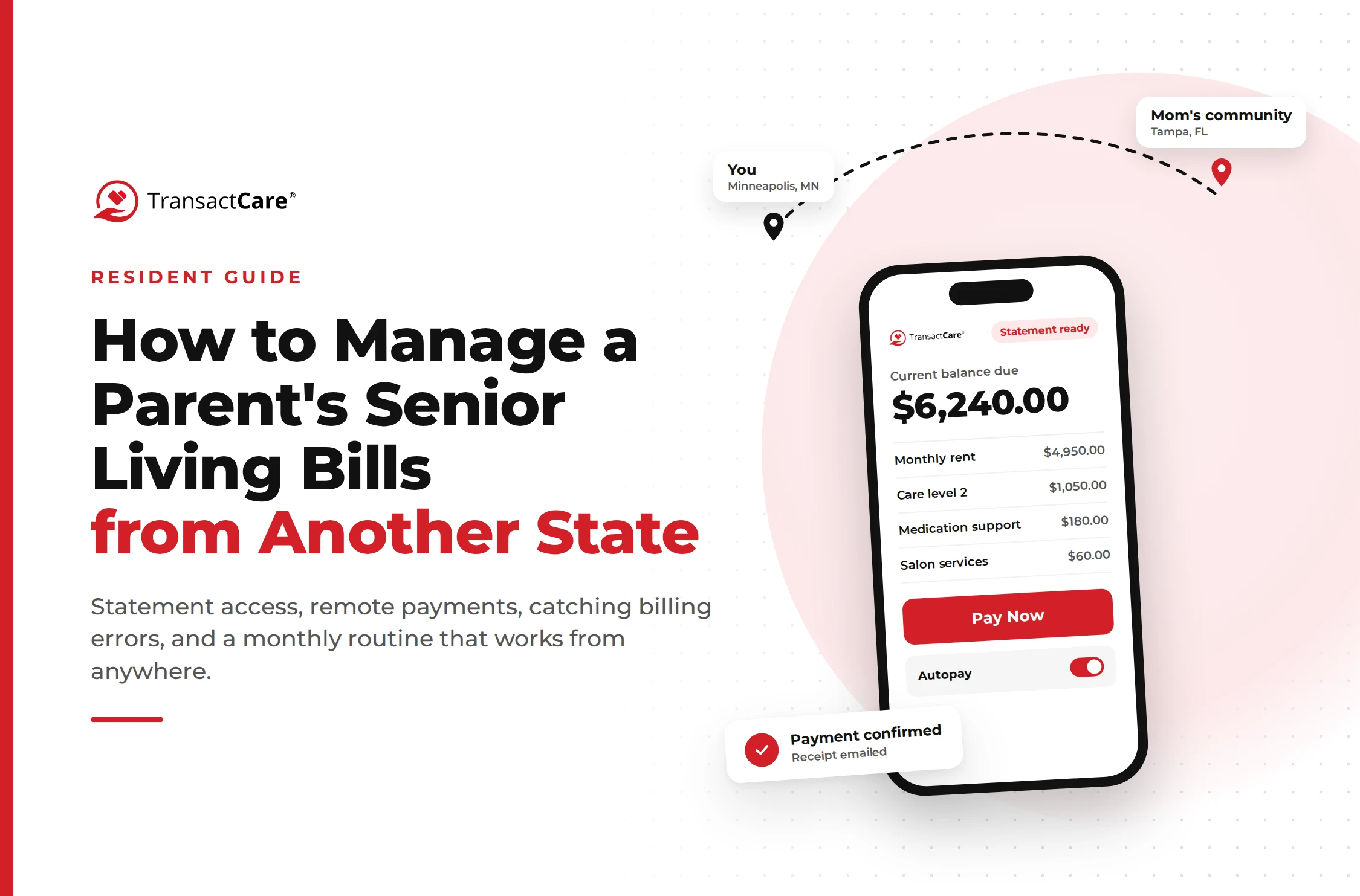
- Target your long-distance payors first. Families managing a parent’s bill from another state feel the pain of paper billing the most, and they tend to adopt online payments fastest. A son in Seattle paying for his mother’s care in Tampa does not need much convincing to stop mailing checks.
- Let reminders do the follow-up. Automated reminders to unpaid accounts handle the gentle nudge that used to require a phone call from your business office.
- Do not force it overnight. Keep accepting checks during the transition. Some residents and families will move slowly, and that is fine. Use your adoption dashboard to see who has not registered and follow up personally with the holdouts.
- Give families a resource for billing questions. A lot of billing calls come from families who simply do not understand the statement. Pointing them to a plain-language guide like how to read your senior living bill can head off a surprising number of calls before they happen.
Does Accepting Credit Cards Increase Your Costs?
It can, and it is worth being clear-eyed about it. Card processing carries fees, and on a monthly resident care expense that can run well over $6,000, those fees are not trivial. Some communities respond by refusing cards entirely, which pushes families back to checks and recreates all of the problems described above.
A better approach is to offer both and make the lower-cost option easy. With TransactCare, families can pay by ACH/eCheck, which according to the TransactCare payor page carries no credit card fees for the family. Bank account payments are also far cheaper to process than paper checks: the AFP benchmarking data puts the median ACH cost at a fraction of the cost to receive a check. Families who prefer cards for rewards or cash flow still have that option.
If your community is considering passing card fees to families through a surcharge or convenience fee, check the rules first. Card network rules govern how surcharges must be disclosed and applied, debit cards are treated differently from credit cards, and some states restrict surcharging. TransactCare or your legal counsel can tell you what applies to your community.
Is It Secure to Accept Payments Online in Senior Living?
Done correctly, it is significantly more secure than the alternatives. A paper check exposes a family’s account and routing numbers to everyone who handles it. A card number read over the phone and written down puts sensitive data directly into your office. Both put the risk on your staff and your community.
A properly validated payment platform moves that risk off your desk. TransactCare is a Validated PCI DSS Level 1 Service Provider, the highest level of PCI validation, so card and bank details are handled by the platform instead of sitting in your office or on your desk. TransactCare also maintains HIPAA-aligned controls, which matters when payment information sits next to resident health information.
For a broader look at why compliance matters so much in senior living payments, our post on HIPAA and PCI compliance in senior living payment processing walks through the risks and requirements.
Why Communities Running PointClickCare Choose TransactCare
If your community already runs on PointClickCare, you have already made the hard decision. Your census, your care plans, your levels of care, and your resident ledgers all live in one system. The only part of the process still living outside it is the part where you actually get paid.
TransactCare closes that gap. Statements generate in PointClickCare and reach families automatically. Families pay online by credit card, debit card, ACH, or eCheck, or set up AutoPay that drafts the actual statement balance. Payments are reflected in TransactCare immediately, a balanced cash import is delivered to PointClickCare the following day for your team to review and post (or post automatically, if you prefer), and funds are deposited the next banking day for credit and debit cards, while ACH and eCheck typically fund in two to three business days. Families get around-the-clock support from US-based billing specialists, and your business office gets back the hours it currently spends opening envelopes and keying in checks.
It is built exclusively for PointClickCare facilities. Onboarding takes about a week, with no IT project and no implementation fee. And the case study results (96 percent less billing time and 100 percent on-time payments) come from a real community, not a projection.
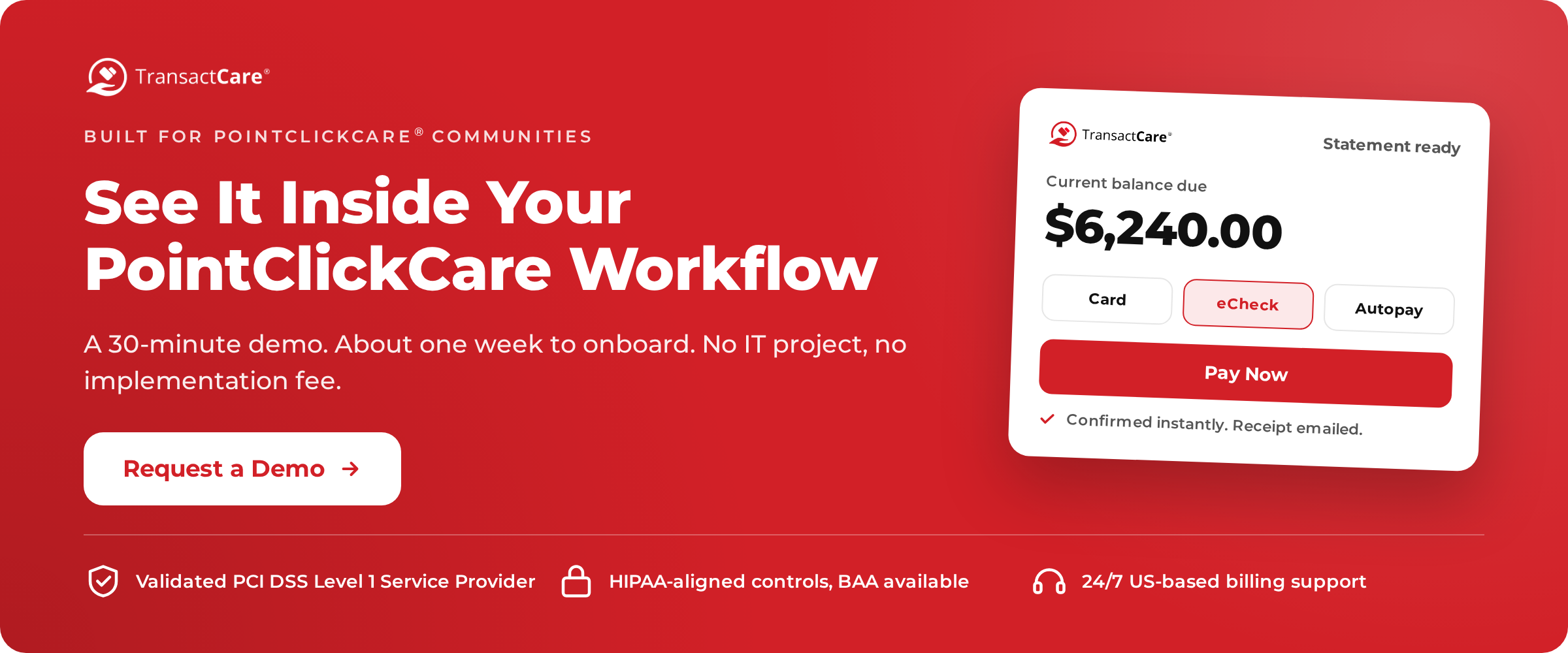
If you want to see how it would work in your community, request a demo. It is a 30-minute conversation, and no credit card is required.